Sarah Jacobson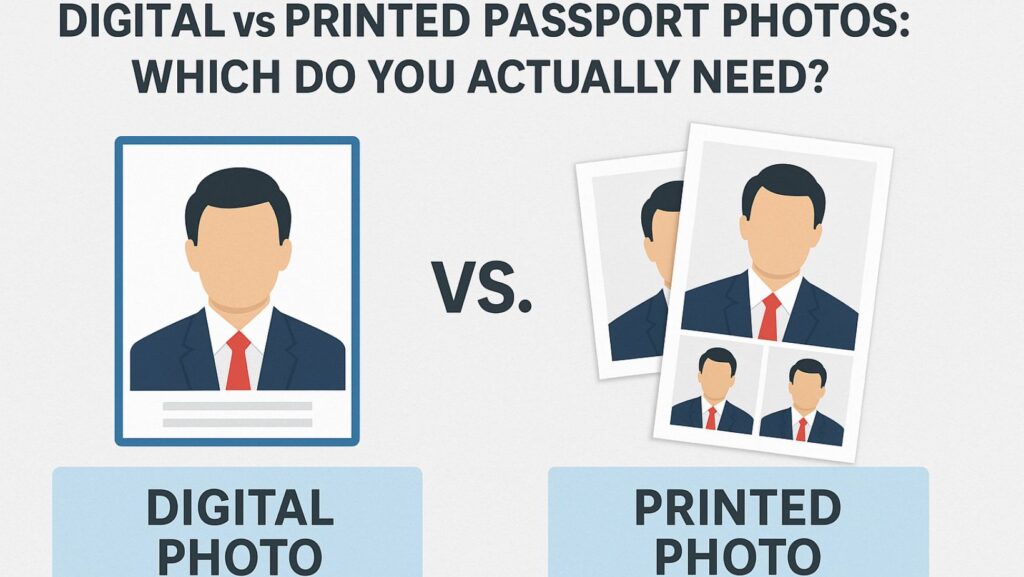
Governments worldwide are moving from paper-heavy systems to digital-first identity management. Passport photos are no exception. Whether you’re renewing a passport, applying for the first time, or sorting out visas, it helps to understand what format authorities actually want today and why the answer is changing fast.
The old rule: bring your prints
For decades, printed passport photos were the only option. They had to be on photo-quality paper, 35×45 mm or similar, matte or semi-matte finish, and free of glare or shadows. Applicants stapled or glued them to paper forms, and officials scanned them manually.
The new standard: upload a digital file
Most modern passport systems now include online applications that accept digital image uploads. The file is usually a JPEG or HEIC image with strict pixel dimensions and face-to-frame ratios. Uploading directly to a government portal eliminates the need for scanning, shortens review times, and improves biometric accuracy.

Tools such as IDPhotoDIY make this simpler by automatically cropping and formatting your digital photo to meet each country’s online requirements. That ensures your upload passes the automatic compliance checks many agencies now use.
Why governments are shifting
- Efficiency – Digital submissions cut paper handling and mailing.
- Security – Electronic images feed directly into biometric databases used for facial recognition and e-passport chips.
- Accessibility – Applicants abroad can apply without mailing physical prints.
- Consistency – Digital workflows apply uniform quality control, reducing errors between photo studios and agencies.
Examples of current practice
- United States: Online renewals now accept digital uploads in JPEG or HEIC format. Printed photos remain required only for paper applications.
- Singapore: The Immigration & Checkpoints Authority mandates digital images for online submissions but still requires printed photos if you file on paper.
- Germany (2025): Photos must soon be captured in approved studios and transmitted directly to government servers, ending citizen handling of photo files entirely.
So which do you need today?
- Applying online: Always submit a digital file.
- Applying in person or by mail: Bring printed photos that meet specifications.
- Traveling soon: Carry spare prints as backup; not every border system is digital yet.
Whether you choose to print or upload, using IDPhotoDIY helps you generate both digital and printable formats that match official specifications.

Governments are steadily replacing paper-based photo systems with secure digital uploads. A correctly formatted digital photo is now the baseline requirement almost everywhere, while printed versions serve only as a backup in the few places that haven’t gone fully digital.
About Author